



Choosing a Smart Speaker in 2026 is less about finding one universal winner and more about matching a device to your room, routines, and preferred services. Voice-first speakers suit kitchens and bedside tables, where quick timers, music, and hands-free questions matter. Smart displays add a screen for recipes, video calls, and visual answers. Portable models bring voice control onto a patio or between rooms, while home-theater speakers focus on fuller sound and television integration. The categories overlap, sometimes awkwardly.
A useful comparison looks beyond advertised features. Consider how clearly each model hears commands over running water, whether its sound stays balanced at low volume, and how easily it connects with your existing smart-home devices. Check microphone controls, account settings, software support, and the services you actually use; these details can shape daily satisfaction more than a flashy specification. Small differences matter. A compact speaker may be ideal for a desk, yet feel thin in an open living room. Likewise, a display can be convenient without being necessary. Product capabilities and compatibility may change, so verify current details with the manufacturer before buying. This guide introduces the main Smart Speaker types and explains what each is designed to do. Its categories are practical starting points, not a perfect ranking: real rooms, habits, and expectations vary. That deserves a second look.
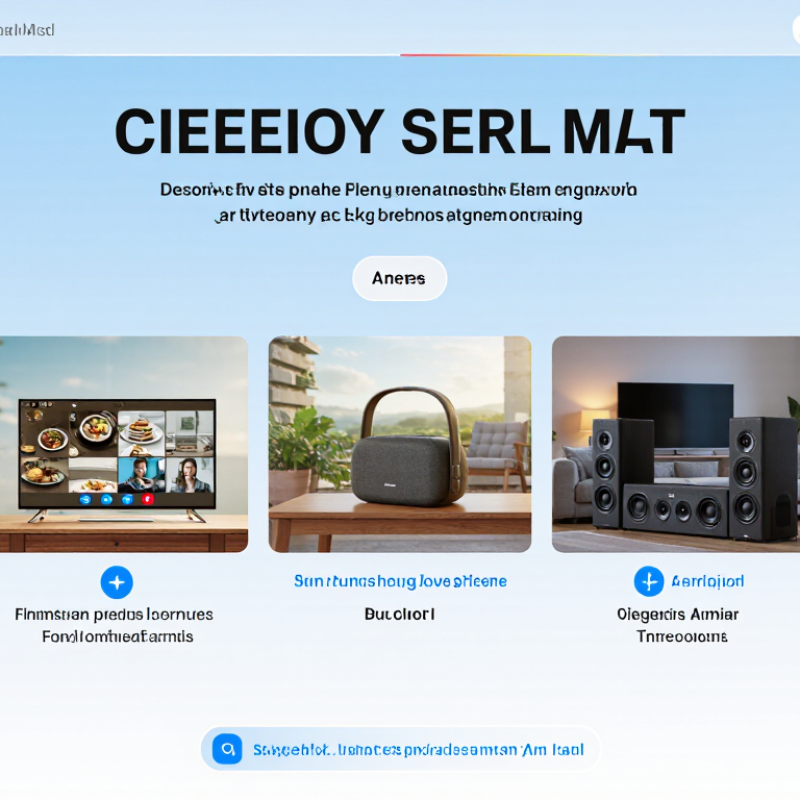
Smart speaker types Smart speaker types in 2026 are best defined by where they fit and what they do. Compact, screen-free models suit bedside tables and kitchens, where timers, alarms, and quick voice requests matter most. Display-equipped speakers add visual guidance for recipes, video calls, and calendars. Portable models include batteries for moving between rooms or taking outdoors, while larger audio-focused units prioritize fuller sound for music.
A widely cited figure puts the voice-assistant device ecosystem at about 500 million connected devices. That scale helps explain why speakers now vary so much in shape and purpose. But device totals do not show how often people use them, or whether every feature works well in a noisy room. A small speaker may hear commands clearly beside a bed, then struggle near a running extractor fan. That distinction is easy to overlook.
Tips: Match the speaker to its main location, not its feature list. Check microphone controls, network requirements, and whether a display adds real value for your household. Try voice recognition from the spots where you will actually speak. Small rooms can still have dead zones.



Copyright © CUSTOM Building Products 2025
Products | Resources | Interactive Tools | Warranties | Privacy Policy | Terms of Use | Technical Training
